
Glam AI: Video & Photo Editor
Glam Labs, Inc.Photography
4.52.93K Reviews
- Version
- 1.89.1
- Installs
- 5.00M
- Age Rating
- Teen
Screenshots
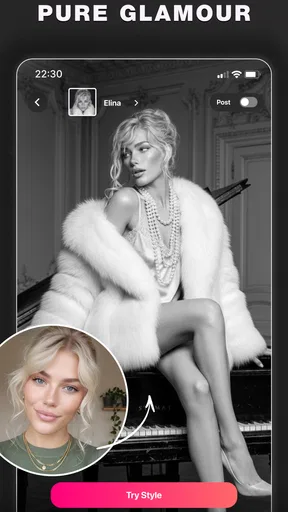
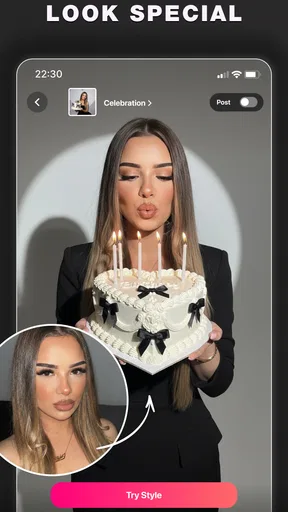
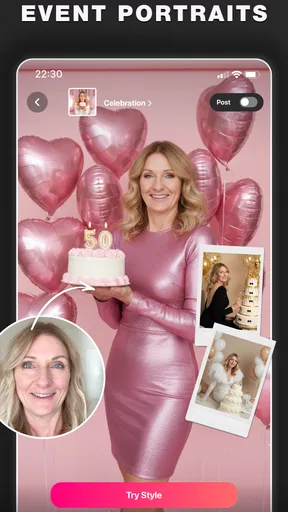
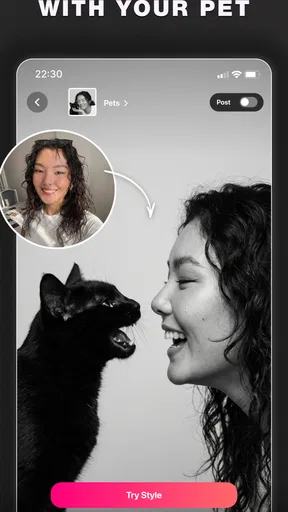
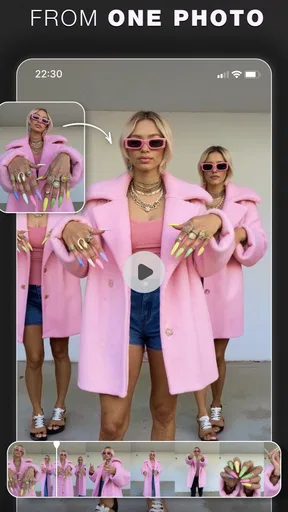
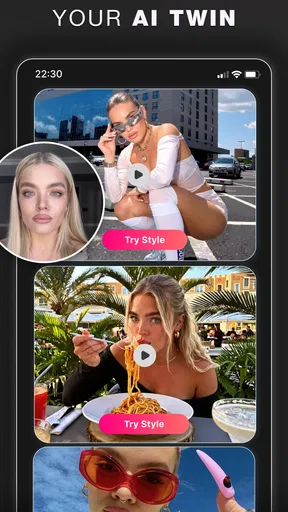
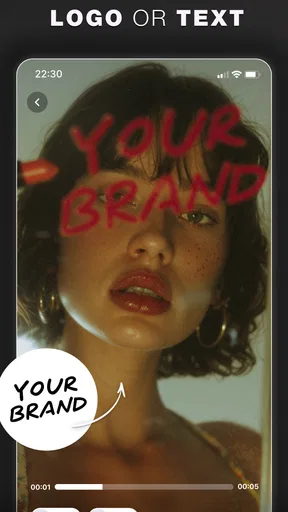
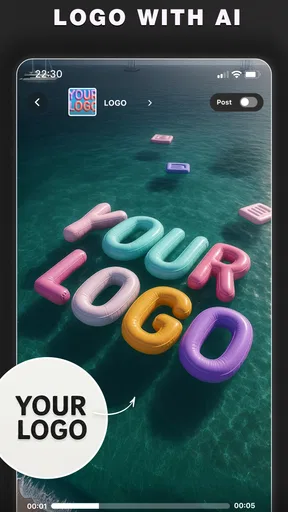
Our Review of Glam AI: Video & Photo Editor
 Analysis by Appyee
I’d choose Glam AI when I want a noticeable, stylized change to a portrait without building an edit from scratch. Its appeal is the mix of AI-led looks and hands-on adjustments: I can start with a generated treatment, then decide whether it feels like me or needs dialing back. That makes it more playful than a conventional photo editor, though it also means the result depends on how well the chosen effect suits the source image.
Where the AI approach earns its place
The app is a photography tool from Glam Labs, Inc., and its focus is easy to understand: make it simple to explore different ways of presenting a face or image. Headshot generation, anime and cartoon avatars, body-shape editing, and enhancement give it a broader range than an editor built only around exposure, cropping, and color. I find that breadth useful when I want to try a few distinct directions rather than perfect one technically accurate photograph.
For a practical example, I might need a profile image for a community account but not want to use the same casual selfie everywhere. I can begin with a clear, recent portrait, compare a more polished headshot with a more expressive avatar, and keep the version that fits the audience. The key is to treat the outputs as options, not as automatic replacements for a real photograph. A professional profile should still look recognizably like me, and a heavily transformed result may not suit a workplace or formal application.
My most useful tip is to choose the source image deliberately. A straight-on face, even lighting, and an uncluttered background give an AI portrait tool less visual noise to interpret. I would also keep a copy of the original before experimenting, especially before trying body edits or strong stylization. That gives me a clean reference when comparing results and avoids turning a quick creative experiment into a permanent change to the only copy of a picture.
Creative range, with a few practical trade-offs
Glam AI can be a better fit than a traditional editor when the goal is transformation rather than precise correction. A manual editor generally gives more predictable control over individual adjustments, while this app’s attraction is the speed of exploring AI-created looks. On the other hand, anyone who wants careful retouching, exact color matching, or a natural result across a batch of product photographs may be better served by a conventional photo workflow. AI styles can make a picture feel coherent and polished, but they may also change details that matter to the person in the image.
I’d be cautious with body-shape editing in particular. It can be used as a light creative adjustment, but repeated comparison with altered versions can make an ordinary photo feel like a problem to fix. For a fun avatar or a clearly stylized post, that tool may be part of the point; for a personal keepsake or an image meant to represent someone faithfully, I’d leave the body untouched. The feature is most useful when I decide what I want the edit to communicate before I start tapping through options.
People often ask whether an AI portrait will work for every photo. I wouldn’t assume so: a face partly covered by hair, a group shot, unusual lighting, or a very small image can make a transformation less convincing. When a result looks off, I’d first try a clearer solo portrait rather than repeatedly changing settings on a poor source. That small choice can save time and makes the app’s different styles easier to judge fairly.
Who will get the most from it
I can see this working well for someone who posts casually, enjoys trying new looks, or wants a quick avatar without learning a layered editing program. It may also suit a creator who needs a handful of visual directions for a social profile or a lighthearted post. It is less compelling for someone who mainly needs reliable file-by-file corrections, detailed compositing, or a consistent professional identity across many images. In those cases, a dedicated editor with precise controls is the more sensible starting point.
The app is free to download, is rated for Everyone, and has an average rating of 4.6 from around 125,000 ratings, with over 1 million installs. Glam AI version 1.72.1 is listed for devices running Android 8.0 or later, and optional in-app purchases range from $5.99 to $149.99 per item. I’d explore what is available before building a regular workflow around a paid option; the range is broad enough that it is worth checking the specific purchase and deciding whether its value matches how often I would use it.
Another useful habit is to compare edits at the same screen size and in the same lighting. A dramatic look can seem impressive when viewed full-screen, then feel too artificial as a small profile image. I’d save only the strongest candidates and revisit them after a short break. That helps separate a genuinely useful result from the initial novelty of seeing an AI transformation, and it is especially helpful when choosing between a polished headshot and an illustrated avatar.
First Impressions Matter
Upon downloading and installing Glam AI: Video & Photo Editor, the sleek interface immediately caught my eye. It's intuitive, with everything laid out in a way that makes sense even if you’re not exactly a tech guru. From the get-go, you’re greeted with a quick tutorial that highlights the app's standout features without overwhelming you. I liked that it didn’t bombard me with ads or unnecessary pop-ups—just pure functionality.
Diving Into Features
Okay, let's talk features because this is where the app truly shines. One of the first things I tried was the AI-enhanced filters. These aren't your typical Instagram-style filters. They adapt to the specific elements in your photo, enhancing everything from the sky's hue to the subtle textures on your clothes. It's like having a professional editor in your pocket!
Next, I ventured into the video editing tools. Whether you're a vlogger or just someone who loves capturing memories on the go, this app has got you covered. The AI automatically detects the best moments in your video, suggesting cuts and transitions that elevate the entire vibe. Imagine having your own Spielberg assistant, but in app form.
Customization and Creativity
If you're someone who loves to tweak every little detail, you're in luck. The app offers a plethora of options to play around with. From adjusting the brightness and contrast to fine-tuning the saturation and highlights, your creative control is practically limitless. And the best part? You can save your custom presets, making it super easy to apply your signature style to future projects.
I also found the text overlay feature particularly useful. Whether you're adding captions for a meme or creating a heartfelt message for a loved one, the font variety and color options let you express yourself exactly how you want. Plus, they’ve got some quirky sticker packs that are perfect for adding a touch of fun to your edits.
User Experience and Performance
In terms of performance, the app runs smoothly without any noticeable lags, which is a huge plus for someone like me who tends to multitask between apps. I tested it out on both a mid-range Android device and an iPhone, and to my delight, it performed consistently well on both platforms.
The app also doesn’t eat up a lot of storage space, so you won’t have to worry about constantly cleaning up your phone to make room for more edits. The developers clearly thought this through, ensuring that users can enjoy seamless performance without the typical hiccups.
Final Thoughts
All in all, Glam AI: Video & Photo Editor is a must-have for anyone looking to up their editing game. Whether you're a seasoned content creator or just someone who loves dabbling in creative projects, this app offers a perfect blend of simplicity and powerful features. It's not just about editing; it's about bringing your vision to life with ease.
So, if you're on the hunt for an editing app that delivers both functionality and fun, I’d definitely recommend giving Glam AI: Video & Photo Editor a try. Trust me, your camera roll will thank you!
Verdict
Strengths of Glam AI: Video & Photo Editor
- Intuitive interface for easy editing.
- Wide range of filters and effects.
- AI-powered tools enhance creativity.
- Quick export options for social media.
- Regular updates with new features.
Limitations of Glam AI: Video & Photo Editor
- Some features require in-app purchases.
- Occasional slow performance on older devices.
- Limited free trial options.
- High battery consumption during use.
- Requires internet for full functionality.
Similar Picks in This Category
View All
Google Photos
Google LLC4.4

Gallery
Google LLC4.2

Picsart AI Photo Editor, Video
PicsArt, Inc.3.9

B612 AI Photo&Video Editor
SNOW Corporation4.1

BeautyPlus-Selfie Photo Editor
PIXOCIAL TECHNOLOGY (SINGAPORE) PTE. LTD.4.5

Remini - AI Photo Enhancer
Bending Spoons4.1
Frequently Asked Questions
What features does Glam AI: Video & Photo Editor offer?
Glam AI provides a wide range of features including advanced photo editing tools, AI-powered filters, video editing capabilities, and special effects. Users can enhance images with brightness, contrast, and saturation adjustments. The app also offers tools for cropping, rotating, and adding text or stickers to both photos and videos.
Is Glam AI suitable for professional editing?
Yes, Glam AI caters to both beginners and professionals. Its intuitive interface makes it easy for newcomers, while advanced features like layer editing and AI enhancements provide the depth needed by professional editors. Whether you're tweaking a selfie or editing a film project, Glam AI has you covered.
Does Glam AI support sharing to social media platforms?
Absolutely! Glam AI is designed with social media in mind. Users can directly share their edited photos and videos to platforms like Instagram, Facebook, and TikTok. The app also provides optimized export settings to ensure your content looks great on any platform.
Are there any subscription fees for Glam AI?
Glam AI offers both free and premium versions. The free version provides basic editing tools, while the premium subscription unlocks advanced features, additional filters, and effects. Subscription fees are charged monthly or annually, with occasional discounts for long-term plans.
How user-friendly is Glam AI for beginners?
Glam AI is very user-friendly, making it an excellent choice for beginners. The app features a clean layout and intuitive controls, with tutorials and guided tips to help users get started. Even those new to photo and video editing will find it easy to create stunning content.
